
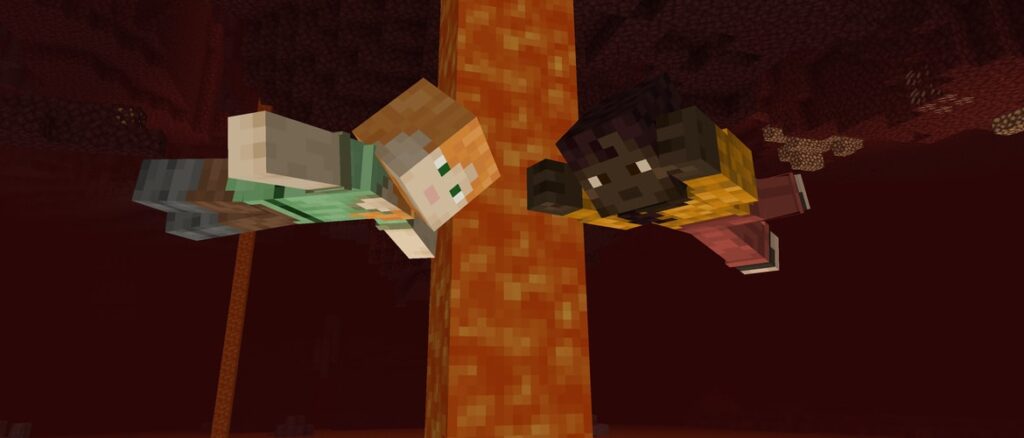
The copper age is approaching and it’s time for this drop’s first pre-release. Today’s release includes more copper golem improvements, some changes to the mannequins and several bug fixes. Pre-releases don’t follow the regular Tuesday release schedule, so keep an eye out for the next one.
Changes
Minor Tweaks to Blocks, Items and Entities
Copper Golem now only tries to open Chests that are neighboring blocks when it’s a passenger
Minecraft Server Management Protocol
Notifications now use minecraft:notification/ prefix instead of notification:
Technical Changes
The Data Pack version is now 87.1
Data Pack Version 87.1
Mannequins
Mannequins description text can now be configured
Mannequins now accept minecraft:profile component from spawner items
Modified Data Fields
profile – now has the same format as a minecraft:profile component (which has been extended to allow overrides), defaults to {} (i.e. static profile with both id and name missing)
New Data Fields
pose – The pose of the Mannequin
Valid entries: standing, crouching, swimming, fall_flying, sleeping
immovable – Optional boolean specifying that the Mannequin cannot be moved (defaults to false)
description – Optional Text Component shown where a Player’s below_score score would show
The default “NPC” (entity.minecraft.mannequin.label) text is shown if omitted
hide_description – Optional boolean specifying that no description should be shown at all
A Mannequin with the description hidden displays as if a Player had no below_score display
Commands
The spawnpoint command now optionally takes in a pitch argument
The setworldspawn command is no longer limited to the overworld
This means players can respawn e.g. in the Nether when they have no bed or respawn anchor
It now also takes in an optional pitch argument
Server commands now run from the respawn dimension by default instead of always the overworld
The fetchprofile command now also prints a clickable text to summon a Mannequin with the resolved profile
Data Components
Modified minecraft:profile
Profiles can now also have additional fields that can replace various values used for rendering
If any of the fields are omitted, the value from the resolved profile is used, even if the profile resolved to the default skin
New fields
texture – Optional namespaced ID of the skin texture to use for rendering
The skin is specified relative to the textures folder and with a .png suffix
e.g. entity/player/wide/steve will use the default wide Steve skin
cape – Optional namespaced ID of the cape texture to use for rendering
When specified, uses the same format as the texture field
elytra – Optional namespaced ID of the elytra texture to use for rendering
When specified, uses the same format as the texture field
If this value is not present either as override or in player profile, Mannequins using this profile will use the cape texture, or if that is also not present, the default Elytra texture when wearing Elytra
model – Optional model type, one of wide and slim
Entity Data
Modified minecraft:player
Changes to the respawn object
angle has been renamed to yaw and is now a required field
pitch has been added as a required field
dimension is now a required field
Loot Functions
minecraft:copy_name
The source field now accepts new context values:
direct_attacker
target_entity
interacting_entity
minecraft:copy_components
The source field now accepts new context values:
this
attacker
direct_attacker
attacking_player
target_entity
interacting_entity
tool
Fixed bugs in 1.21.9 Pre-Release 1
MC-160528 – End portals do not negate fall damage
MC-243759 – Explosions won’t damage an entity if the distance to its eyes is 0
MC-300257 – Lightning does not reset copper golem oxidation
MC-300294 – Copper golems pathfind to chests incorrectly
MC-300687 – The copper chains and bars aren’t organized correctly in the Creative inventory
MC-300881 – The skin preview in the skin reporting screen is no longer interactive
MC-301409 – Acceleration power of fireballs and wind charges gets halved when they are redirected by explosions
MC-301414 – Scraping oxidation off double chests doesn’t produce particles on the half of the chest that wasn’t directly interacted with
MC-301424 – entity_data item component detection is broken in resource packs
MC-301541 – Copper golems no longer sort items when in minecarts
MC-301569 – Sounds of copper chests and all variants are too quiet and sound low-quality compared to before
MC-301573 – Relative teleportation across dimensions is inconsistent
MC-301798 – Copper golems do not open chests with specific transparent/non-full blocks above them
MC-301814 – CustomNameVisible does not work for mannequins (for the name, not the NPC annotation)
MC-301815 – Mannequin data is sometimes lost when using spawn eggs
MC-301819 – Mannequins’ name tags are visible when on a team and ridden
MC-301862 – When clicking a command suggestion in chat, it occasionally selects half of the new word
MC-301883 – Entities going through portals with their Motion set to more than 10 on an axis have their Motion tag reset
MC-301893 – When a copper golem is leashed by a player and then oxidizes into a statue, it will not drop the lead
MC-301951 – Misleading description for operator_user_permission_level in server management protocol documentation
MC-301979 – Copper golems no longer properly check chests
MC-301984 – Teleporting a player to their own position is now jittery/frozen
MC-301991 – deprecated.json has some renamed keys pointing to text values instead of the new keys
MC-302032 – Static profiles no longer resolve texture data unless an id or name is provided
MC-302089 – Game crashes when flying mobs start pathfinding in debug mode
MC-302092 – Crash when placing iron bars next to stairs, when stairs are added to #bars tag
MC-302094 – Crash when adding blocks to #copper_chests then placing it next to actual copper chests
MC-302095 – Crash when adding blocks to #lightning_rods and summoning a lightning over it
MC-302096 – Crash when adding blocks to #wooden_shelves, placing it next to wooden shelf, then powering the shelf
Get the Pre-Release
Pre-Releases are available for Minecraft: Java Edition. To install the Pre-Release, open up the Minecraft Launcher and enable snapshots in the “Installations” tab.
Testing versions can corrupt your world, so please backup and/or run them in a different folder from your main worlds.
Cross-platform server jar:
Report bugs here:
Want to give feedback?