
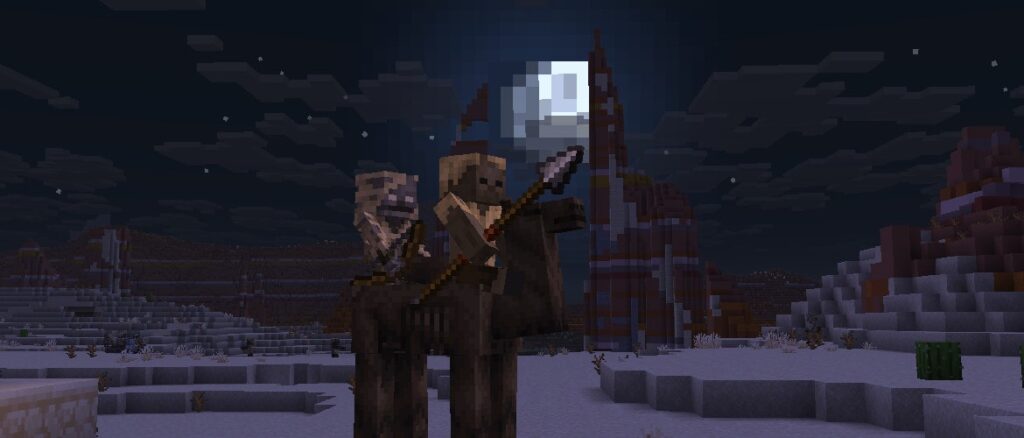
Today we are shipping Release Candidate 2, fixing a crash issue affecting some players.
Happy mining!
Stability
Get the Release Candidate
Release Candidates are available for Minecraft: Java Edition. To install the Release Candidate, open up the Minecraft Launcher and enable snapshots in the “Installations” tab.
Testing versions can corrupt your world, so please backup and/or run them in a different folder from your main worlds.
Cross-platform server jar:
As we are preparing to remove obfuscation from Java Edition, you can also get a non-obfuscated experimental version of this snapshot using the Minecraft Launcher:
Download this zip file
Unpack the folder into your “versions” folder of your local Minecraft application data folder
Start (or restart) the Launcher
Create a new launch installation and select the “unobfuscated 1.21.11 Release Candidate 2_unobfuscated” version
Start the game and the remaining files will be downloaded
An unobfuscated server jar can be found here:
Report bugs here:
Want to give feedback?