
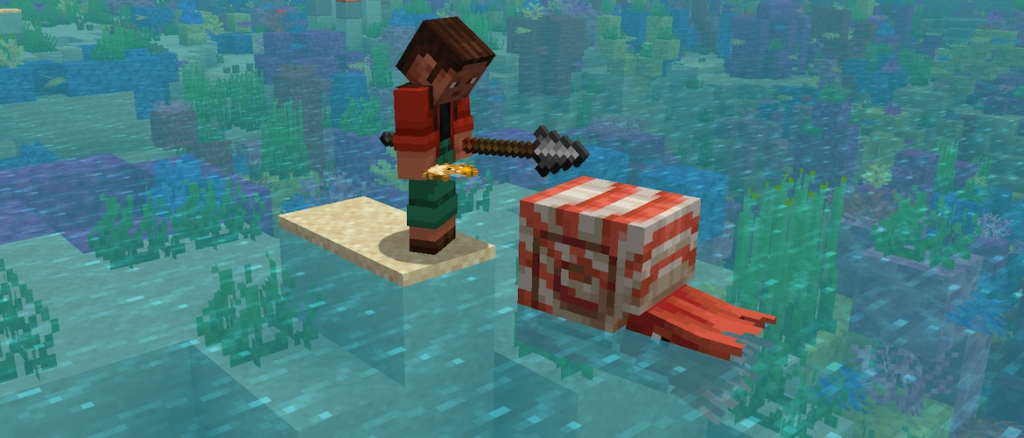
We’re starting the week with Pre-Release 4 for Mounts of Mayhem! With this one, Dispensers can now be part of the Mayhem with the new Mounts, along with other fixes!
Happy Mining!
Changes
The attack range extension for players in Creative Mode is once again set to 2 blocks
This reverts an accidental change that increased the range to 4 or 6 blocks in certain cases
Nautilus
Dispensers can now equip Saddles and Nautilus Armor on tamed Nautiluses and Zombie Nautiluses
Dismounting a Nautilus or Zombie Nautilus while on land no longer places the player inside the Nautilus
This works given that there is a valid block to place the player on
If there is no valid block, the player will be placed inside the Nautilus as before
Technical Changes
The Data Pack version is now 94.1
Data Pack Version 94.1
Item Components
Changes to minecraft:attack_range
Added fields:
min_creative_reach: float, the minimum distance in blocks from the Creative Mode attacker to the target to be considered valid
Default value: 0.0, valid from 0.0 to 64.0
max_creative_reach: float, the maximum distance in blocks from the Creative Mode attacker to the target to be considered valid
Default value: 5.0, valid from 0.0 to 64.0
Fixed bugs in 1.21.11 Pre-Release 4
MC-154651 – Boats and rafts can break off paintings and item frames
MC-300588 – Waypoint modifications reset upon death
MC-301127 – Music stops and restarts when trying to connect to a server when the music frequency is set to constant
MC-302516 – Zombie villagers spawn as the variant matching the biome at 0, 0, 0
MC-302662 – Dismounting a nautilus always places you inside the nautilus
MC-302895 – Spears held in the off hand play the charging animation when using items in the main hand
MC-304374 – Zombie nautilus drops are not affected by Looting
MC-304385 – Item frames and paintings pop out when in the same space as a stationary happy ghast
MC-304547 – Items in the crafter’s slots aren’t visible
Get the Pre-Release
Pre-Releases are available for Minecraft: Java Edition. To install the Pre-Release, open up the Minecraft Launcher and enable snapshots in the “Installations” tab.
Testing versions can corrupt your world, so please backup and/or run them in a different folder from your main worlds.
Cross-platform server jar:
As we are preparing to remove obfuscation from Java Edition, you can also get a non-obfuscated experimental version of this snapshot using the Minecraft Launcher:
Download this zip file
Unpack the folder into your “versions” folder of your local Minecraft application data folder
Start (or restart) the Launcher
Create a new launch installation and select the “unobfuscated 1.21.11 Pre-Release 4_unobfuscated” version
Start the game and the remaining files will be downloaded
An unobfuscated server jar can be found here:
Report bugs here:
Want to give feedback?